Knit any picture on your Passap E6000
Needlebed turns a photo, a drawing or a logo into double-bed colourwork and shows it to you knitted. Then its lock board takes the console’s place and picks the needles for every row as you knit.
Try it with a picture See the lock board
It runs in your browser, and your pictures never leave your computer.
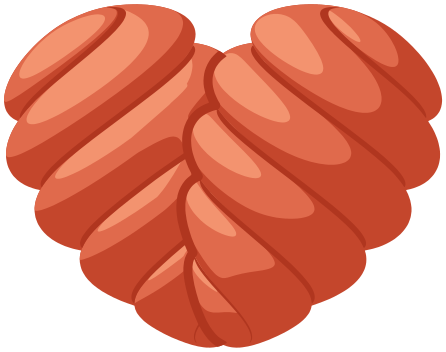
Coming soon The lock board, knitting the heart
For every pass of the lock, Needlebed sends the board the needles to pick, and the board picks them as the lock goes by. These are the passes it sends for the heart, run on its simulator.
From a picture to a panel
-
Give it a picture
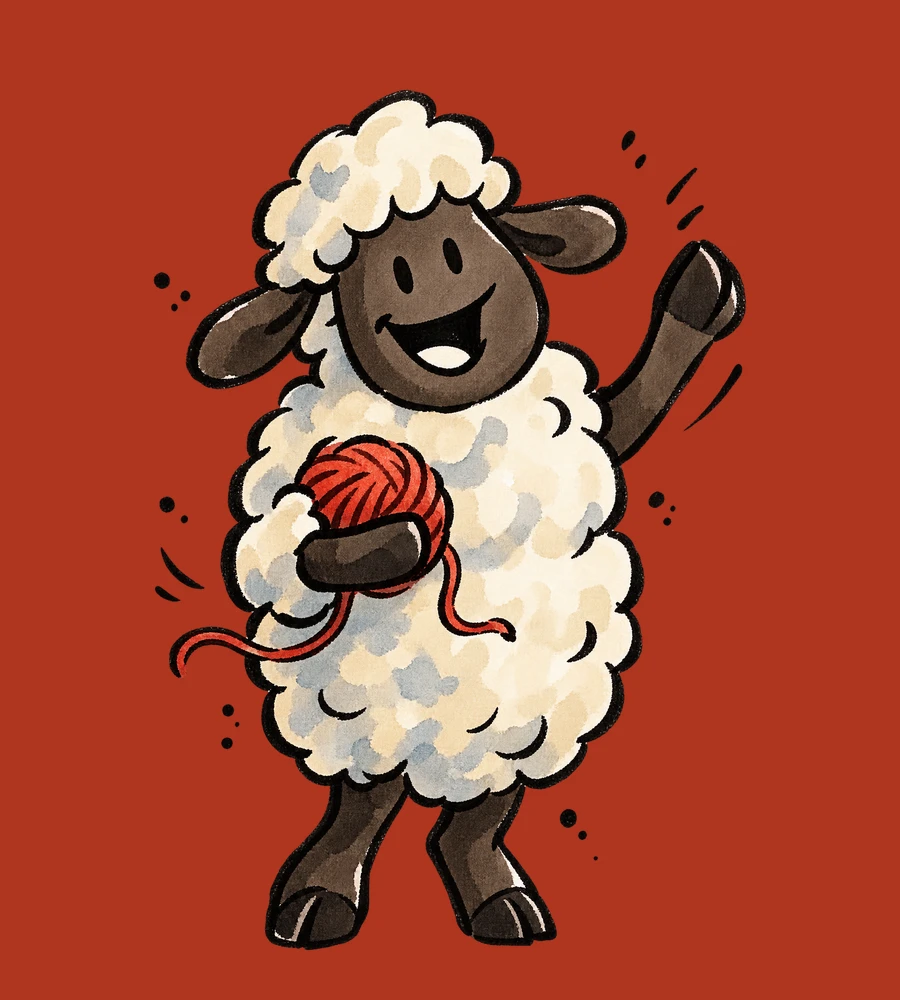
A photo, a drawing or a logo. Needlebed picks up to four yarns, as many as the colour changer holds, or matches the picture to yarns you already have. Photos are shaded by scattering the yarns; drawings keep their clean edges.
-
See it knitted
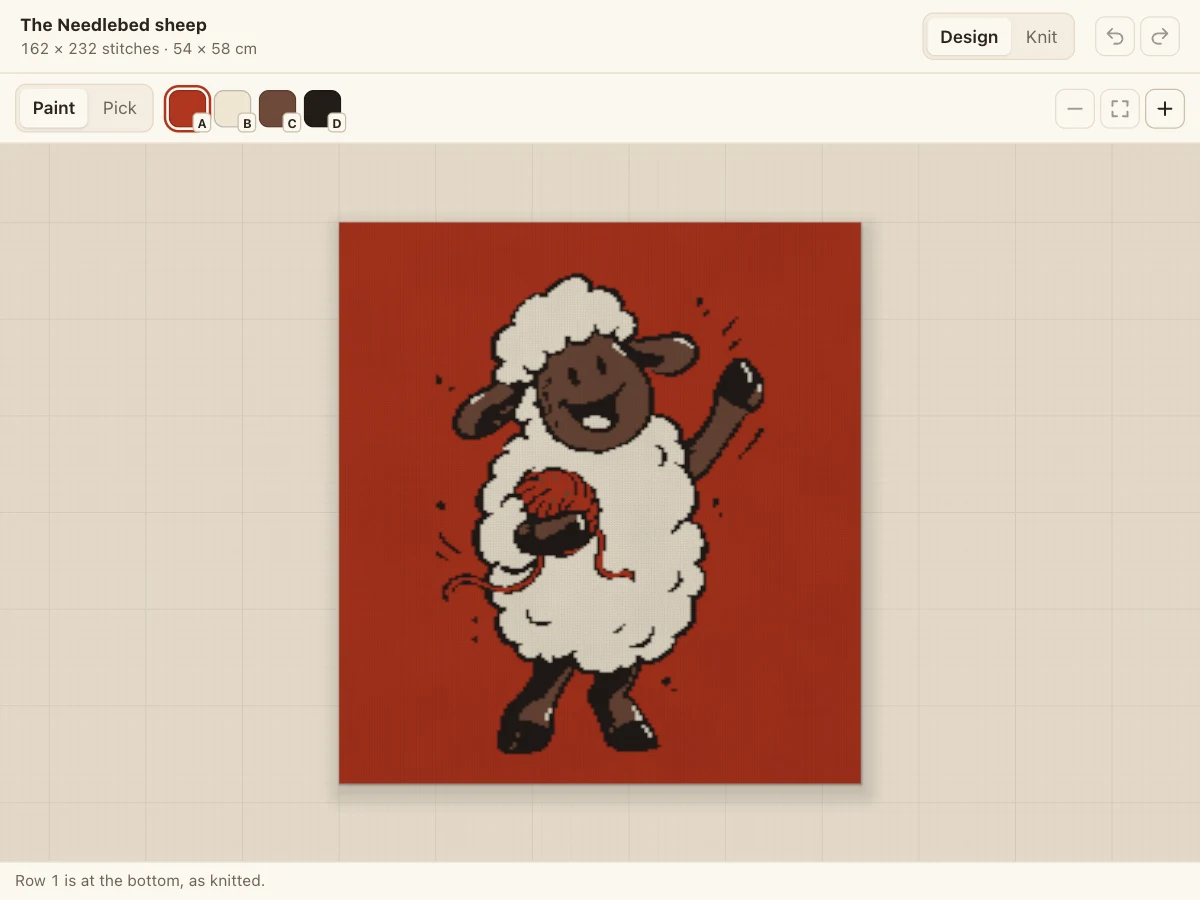
Every stitch is drawn as a stitch, at your gauge, on a centimetre grid, so you see its size before you cast on. Paint over any stitch you don’t like. Needlebed works out the metres and grams of each yarn to buy.
-
Knit it
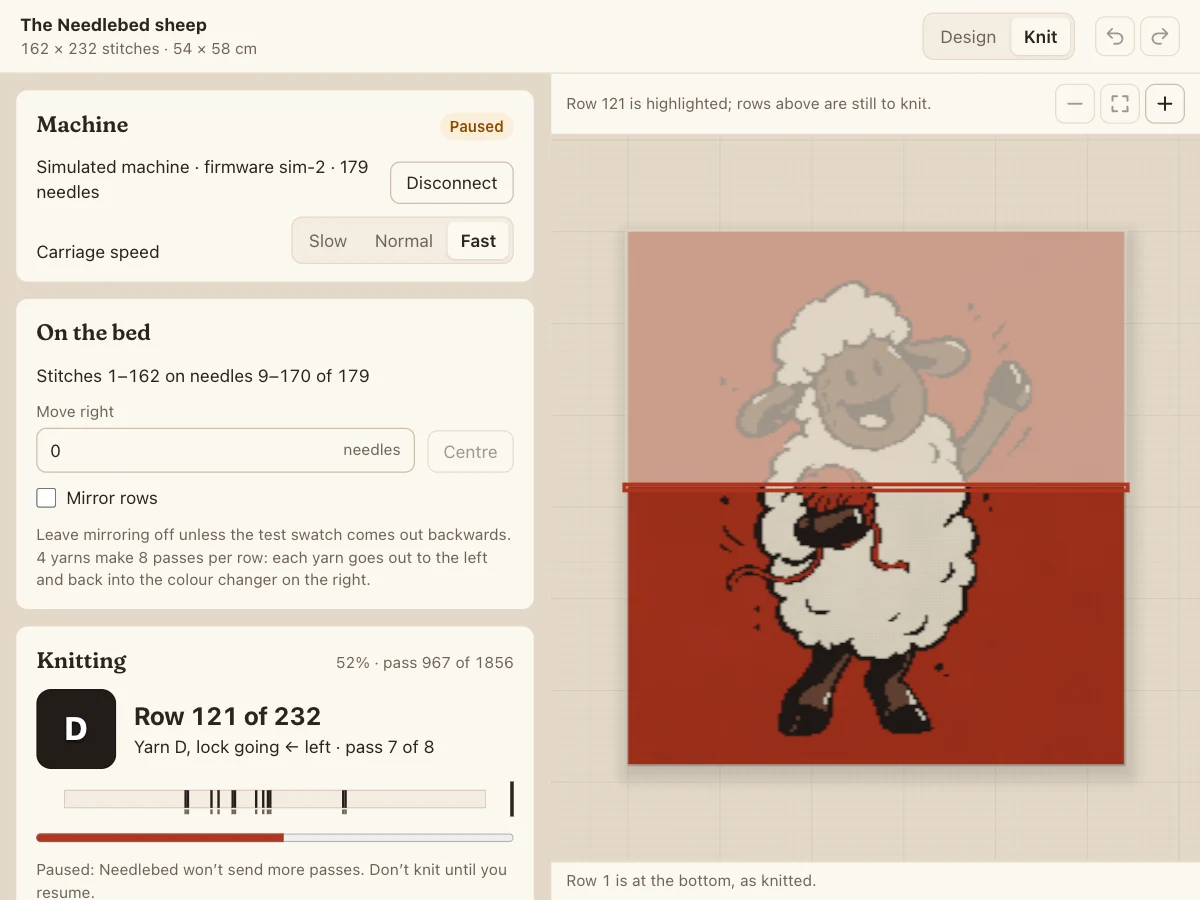
With the lock board, Needlebed sends the machine one pass at a time. It shows the row, the yarn and which way the lock goes, warns you before each yarn change, out loud if you like, and lets you pause or go back a row.
Coming soon
The lock board
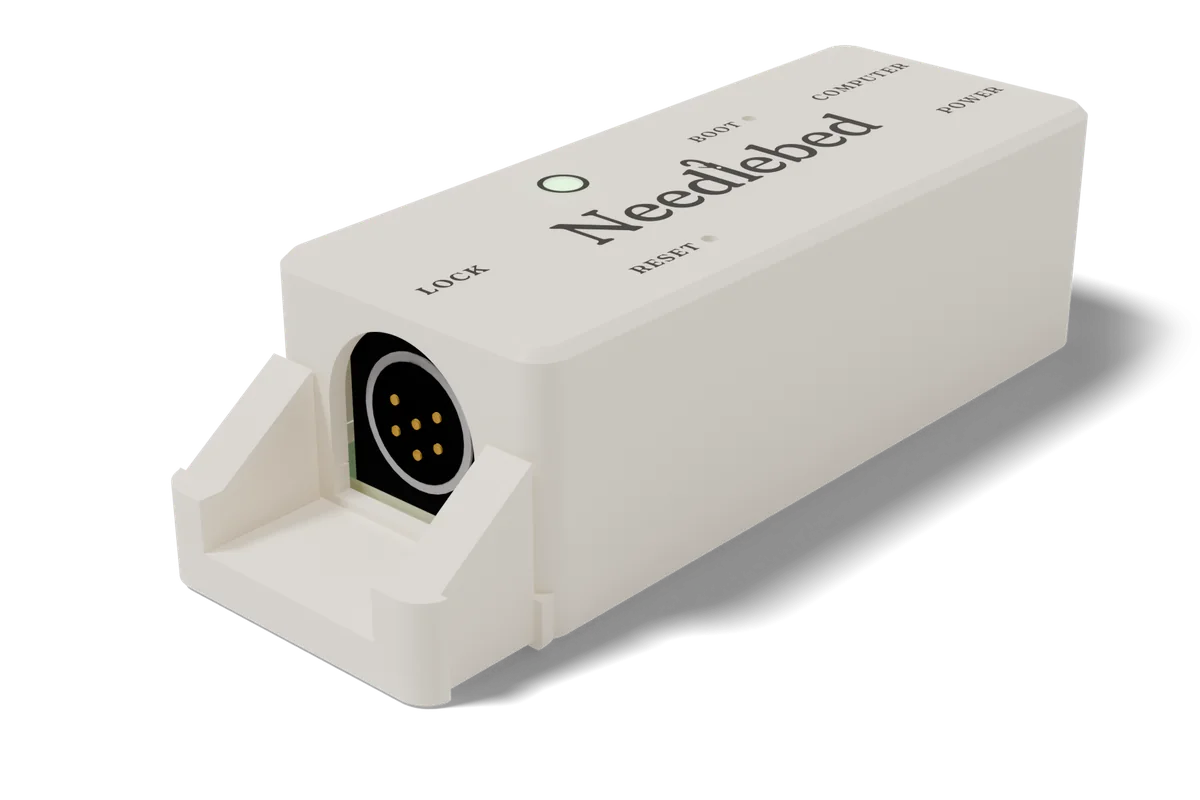
A small box between the E6000’s front lock and your computer. It reads the lock’s sensors and tells it which needles to pick, the console’s job, but with Needlebed’s patterns: any picture you turn into colourwork can go straight to the machine.
- Lock
- The lock’s curly cable plugs into the round socket, as it would into the console.
- 15 V
- Power for the lock.
- USB-C
- To the computer running Needlebed in Chrome or Edge.
No board yet?
Everything up to the knitting works without it. Needlebed exports your design four ways, and its simulator runs the whole knitting process with a pretend lock, so you can try it all first.
- Stitch file
- One pixel per stitch, which most chart software reads.
- Chart
- To print, with a symbol for each yarn for black-and-white printers.
- Picture
- The panel as knitted.
- Project
- The lot, to pick up again later.
Made for the E6000
Needlebed began around 2006 as an Arduino hack and a website that turned pictures into patterns for the Passap E6000. This is the rebuild, and it does one machine well: the 179 needles, the colour changer’s four yarns, the lock that picks one pass ahead.